
Differences - Find & Spot It
Guru Puzzle GamePuzzle
4.96.97K Reviews
- Version
- 2.21.0
- Installs
- 10.00M
- Age Rating
- Everyone
Screenshots
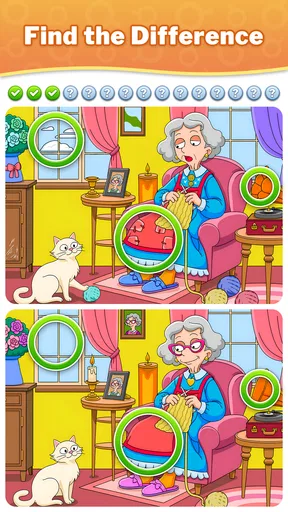
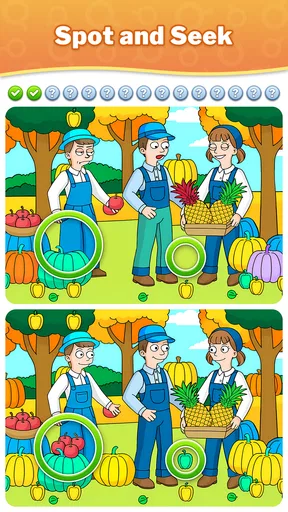
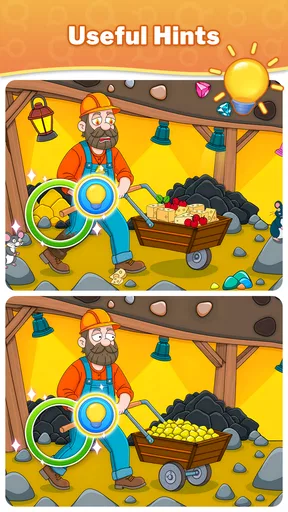
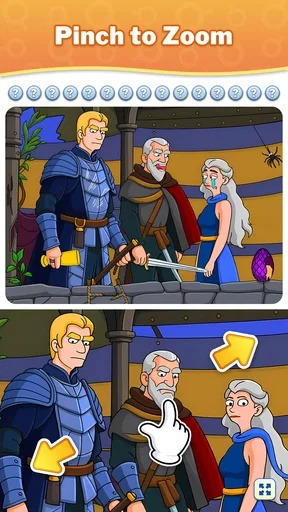
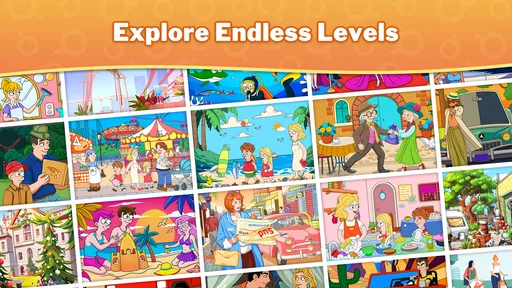
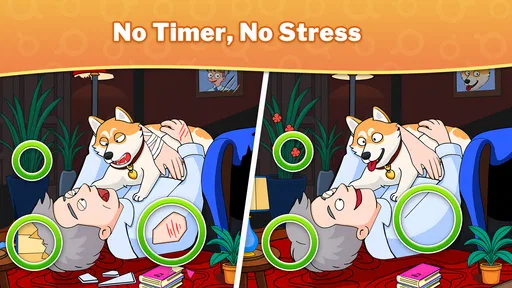
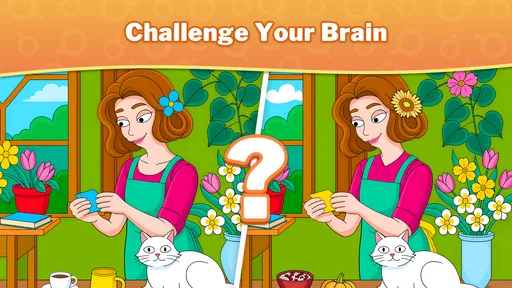
Our Review of Differences - Find & Spot It
 Analysis by Appyee
I enjoy puzzle games that give me something to focus on without demanding a long explanation, and Differences - Find & Spot It fits that mood immediately. The idea is simple: compare two images, look carefully, and identify what has changed. What makes this particular game worth discussing is not the basic premise, but how that premise feels when I use it for a quick break, return to it repeatedly, or play for longer than I originally planned.
This is a free puzzle game from Guru Puzzle Game, aimed at Everyone and available for devices running Android 7.0 or later. Its store summary points to a very large collection of pictures, while the actual appeal is the quiet concentration required to examine each scene. I found it more relaxing than competitive puzzle games, although the need to search every corner can become surprisingly demanding when an image is visually busy.
The game has an average rating of 4.9 from around 498 thousand ratings, and it has passed 10 million installs. Those figures suggest that the format has broad appeal, but they do not remove the need to consider how you personally like to play. If you prefer word puzzles, logic grids, or fast arcade challenges, this may feel too deliberate. If you like visual observation and short sessions, it is much easier to recommend.
How the search feels in everyday play
I find the most useful way to approach a picture is to treat it like a small search route rather than scanning everything at once. I pick a starting corner, move steadily across each section, and keep the areas I have checked in mind; that makes it easier to resume after a distraction without losing my place. This steady rhythm also helps me tell whether I’m enjoying the puzzle itself or simply rushing to finish.
A gentle start that depends on visual attention
My first impression was that the controls are easier to understand than the challenge itself. You do not need to learn a complicated system before beginning. The work is in looking closely, comparing details, and resisting the temptation to tap randomly. That makes the opening experience approachable for casual players, children within the Everyone rating, and anyone who wants a puzzle that can be understood in seconds.
The perceived speed is therefore less about rapid animation and more about how quickly I can process each picture. When the scene is clear, progress feels brisk because I can move from one difference to the next without much hesitation. When similar colors, textures, or small objects fill the image, the same interface becomes a slower visual inspection exercise. I see that as part of the design rather than a performance problem: the game is asking me to observe, not rush.
A useful way to play is to divide the picture into zones. I usually scan from top to bottom, then compare the edges, corners, and large objects before checking the center again. This is more reliable than sweeping my finger around the screen and hoping to land on the right detail. It also makes a difficult image feel like a sequence of small tasks instead of one vague search.
Why short sessions work particularly well
This game suits moments when I have only a little attention to spare. I can play while waiting for an appointment, take a short break from work, or settle down before sleep without committing to a long story or a match against another player. The lack of a complicated setup is a genuine strength. I can open it, start looking, and stop when my break ends.
One realistic use case is a commute where I want something more calming than social media but less involved than a full strategy game. I can complete a picture if the differences are easy, or simply stop after making progress and return later. For a parent, it can also be a quiet shared activity: one person can inspect the left side while another checks the right, turning the puzzle into a cooperative observation exercise even though the game itself remains a solo experience.
The trade-off is that this relaxed pace will not satisfy someone looking for constant action. There is no reason to expect the same adrenaline as a timed arcade game, and the pleasure depends heavily on whether you enjoy careful visual comparison. I would not choose it when I want a strong narrative, a deep strategic system, or a sense of character progression.
What happens when the pictures become demanding
The heavier moments are not necessarily the ones with the most objects. A relatively simple picture can be difficult if the differences are subtle or placed where the eye naturally skips. I learned to inspect repeated patterns separately: rows of windows, similar leaves, decorative borders, and small objects that appear almost identical. The game rewards patience more than speed, and that changes how I judge a session.
When I get stuck, I avoid tapping everywhere because random searching makes the experience feel less satisfying. Instead, I pause for a few seconds, look away from the screen, and return with a fresh scan. Changing the order of inspection also helps. If I started with the center, I move to the outside; if I focused on color, I switch to shape and spacing. This is a practical technique that makes the large image collection feel more manageable without turning the puzzle into guesswork.
Longer play sessions can create eye fatigue, especially when I repeatedly examine detailed scenes at close range. That is an important limitation for anyone planning to play for an hour or more. I get more enjoyment from several short visits than from treating it like a marathon. The game is at its best when concentration remains comfortable and the search still feels like a relaxing challenge.
Speed expectations on different devices
The current version is 2.21.0, and the minimum operating-system requirement is Android 7.0. That makes the game accessible to a wide range of Android devices, including older phones that cannot run many recent titles. Still, a compatible operating system does not guarantee an identical experience on every handset. Screen size, display clarity, available storage, and general device condition can all affect how comfortable detailed image comparison feels.
On a newer phone, I would expect the main interaction to feel straightforward because the game does not ask the player to master complex controls. On an older or less responsive device, the more noticeable issue may be tapping accuracy rather than raw speed. A small target near the edge of a picture can be harder to select on a compact screen, while a larger display gives the image more breathing room. I would judge the device by how comfortably it shows fine details, not just by its age.
I also would not assume that a large picture collection is cost-free in practical terms. A game built around many images can make storage and data habits more relevant than they are in a minimalist puzzle. I prefer to install or update it over a reliable connection and keep some free space available on a device that is already crowded. That is sensible housekeeping rather than a claim about a specific download size or resource measurement.
Stability and returning after an interruption
For this kind of game, reliability means more than avoiding a visible crash. I want a puzzle to remain understandable when I pause, switch applications, answer a message, or return later. The short-session format makes that especially important because interruptions are likely. I tend to treat each image as a small mental bookmark: if I leave midway, I want to remember which areas I already checked and which ones still deserve attention.
A practical recovery habit is to take a mental snapshot before leaving rather than tapping quickly through the screen. I note the last section I inspected and whether I was comparing objects, colors, or outlines. When I return, I can continue methodically instead of starting over in confusion. This approach is useful on any puzzle game, but it matters more here because the challenge is based on visual memory and attention.
I would also keep expectations realistic when switching between several demanding apps on an older phone. If the operating system closes a background game to free memory, that is a device-management issue that can affect many apps. I would not use a single interruption as proof that the game is unreliable. Instead, I would check whether the problem repeats, keep the system updated where possible, and avoid filling the device completely with other media and applications.
Resource awareness without overthinking it
There is no need to treat this as a high-end game simply because it uses pictures. The core activity is visually focused rather than technically complex, so I would not choose it for graphics spectacle or advanced simulation. Its demands are more likely to be felt through screen time, image loading, and the comfort of inspecting small details than through the kind of sustained processing associated with large three-dimensional games.
That distinction helps explain who should install it. Someone with an older Android phone may find it a sensible choice if the display remains clear and touch input is dependable. Someone with a very small screen or poor eyesight may have a harder time, even if the phone meets the operating-system requirement. In that case, a word puzzle with larger text or an audio-focused game could be a better fit.
I also appreciate that the age rating is Everyone, but I would still think about the player rather than relying only on the label. Younger players may enjoy the picture hunt, while adults can use it as a low-pressure concentration exercise. The real question is whether the player can comfortably distinguish small visual changes and remain patient when a difference is well hidden.
The free model and where it may influence play
The game is free to download, with in-app purchases ranging from $0.99 to $99.99 per item. That matters because a free entry point makes it easy to test the basic experience before deciding whether it deserves regular space on your phone. I recommend trying several sessions rather than judging it after one easy picture. The appeal becomes clearer once you know whether you enjoy the slower searches as much as the quick wins.
The broad purchase range is also a reason to be deliberate. I would not spend simply because I was stuck on one image. First, I would take a break, change my scanning method, and try again later. If you are setting up the game for a child, it is sensible to review purchase controls on the device so that the free download does not turn into an accidental expense. The game can be enjoyable without treating every obstacle as a reason to buy something.
This is one area where the usual alternatives may suit different people. A paid puzzle with no purchase prompts can feel simpler for someone who wants a single upfront decision. A free word or number puzzle may offer clearer progress through levels. On the other hand, this game’s picture-based format is more approachable when you want an activity that does not depend on language, arithmetic, or memorizing rules.
How it compares with other observation puzzles
Compared with a traditional printed spot-the-difference book, the phone version is easier to carry and more convenient for spontaneous play. I do not need a pen, a table, or a physical book. The display also makes it possible to play in a waiting room or during a short pause. The downside is that a phone screen can be tiring, and the experience is less restful if I have already spent the day looking at screens.
Compared with hidden-object games, the focus feels narrower. Hidden-object titles often ask me to search for a list of unrelated items, while this format makes me compare two versions of a scene. That creates a different kind of satisfaction: I am not merely locating an object, I am noticing an inconsistency. Players who enjoy visual detective work may prefer this; players who want a richer setting, story, or item-collection structure may find hidden-object games more rewarding.
Compared with logic puzzles, the solution here depends less on deduction and more on perception. I cannot always reason my way to an answer from a set of clues. Sometimes I simply need to notice a tiny change. That makes it accessible but also subjective: a player with strong visual scanning skills may move quickly, while someone who prefers clear rules and provable steps may feel that progress depends too much on eyesight and patience.
Small habits that improve the experience
I get better results when I lower the screen brightness to a comfortable level instead of making the image excessively bright. Glare can hide subtle changes, especially near the edges. I also hold the phone steady and use one deliberate tap rather than dragging around the scene. These habits reduce accidental touches and make the search feel more controlled.
Another useful method is to compare negative space. Players naturally inspect objects, but the empty areas between objects can reveal a missing shape, a changed outline, or an unusual gap. I also compare symmetry: if two sides of a scene appear balanced, a small break in that balance deserves attention. These are not shortcuts that remove the challenge; they are ways to use the structure of an image more intelligently.
For repeated sessions, I would avoid playing when I am already tired or distracted. The game can look deceptively easy, but tired eyes turn a small difference into a frustrating search. A short pause often helps more than forcing another attempt. This is an observation game, so the quality of attention matters more than the number of minutes spent continuously playing.
Who will enjoy it and who should skip it
I would recommend it to casual puzzle players, families looking for a simple shared activity, and adults who want a quiet way to reset their attention. It is also a good choice for people who dislike complicated tutorials. The free price makes experimentation easy, and the Everyone rating broadens its audience. Guru Puzzle Game has chosen a format that communicates its purpose almost instantly.
I would be more cautious about recommending it to players who need constant novelty in the mechanics. A growing picture collection can provide variety in subject matter, but the central action remains the same: inspect, compare, and find. If that loop already sounds repetitive, a match-three game, word game, or logic title may hold your attention longer.
It may also be the wrong choice for anyone who experiences eye strain from small visual details, uses a phone with an uncomfortable display, or wants a game that works mainly through sound and quick reactions. Meeting the Android requirement is only the starting point. Physical comfort and visual clarity have a much bigger effect on enjoyment here than they would in a simple text-based puzzle.
My performance verdict after regular use
My overall impression is that Differences - Find & Spot It succeeds because it keeps the interaction uncomplicated while leaving room for genuine concentration. I would describe its perceived performance as calm and practical rather than flashy. The important test is whether the images remain comfortable to inspect, whether taps feel dependable, and whether the game fits naturally into short breaks. On a suitable device, those qualities matter more than raw technical spectacle.
The strongest reason to try it is the combination of immediate accessibility and a puzzle loop that can be relaxing without being completely passive. The main friction comes from the same source: detailed searches can become tiring, and the repeated format will not suit everyone. The free model is welcoming, but I would approach purchases carefully and decide based on sustained enjoyment rather than a moment of frustration.
At no cost to start, an Everyone rating, support for Android 7.0 and later, and a current version of 2.21.0, it is an easy game to test on an older or newer phone. I would install it if I wanted a portable visual puzzle for waiting times, quiet evenings, or shared searches with another person. I would skip it in favor of a word, logic, or story-driven alternative if I needed deeper progression or less screen-intensive play. For the right player, though, its simple promise is enough: slow down, look carefully, and enjoy the small satisfaction of seeing what changed.
Verdict
Strengths of Differences - Find & Spot It
- Simple rules make it easy for players of all ages to start.
- Bright artwork makes small differences easier to identify.
- Short rounds fit well into quick breaks or casual play.
- Increasing difficulty helps maintain interest over time.
- Works well as a relaxing, low-pressure observation game.
Limitations of Differences - Find & Spot It
- Some levels may feel repetitive after extended play.
- Tiny details can be difficult to see on smaller phone screens.
- Progress may feel slow for players seeking fast rewards.
- Hints or assistance may reduce the challenge for experienced players.
- Visual clutter can make certain differences frustrating to locate.
Other Releases by Guru Puzzle Game
View All
Ball Sort Puzzle - Color Game
Puzzle4.9

Water Sort Puzzle - Sort Color
Puzzle4.8


Goods Puzzle: 3D Sorting Games
Puzzle4.9
Similar Picks in This Category
View All
Block Blast!
HungryStudio4.8

Braindom: Brain Games Test
Lahana Game Studio4.6

AMAZE!
CrazyLabs LTD4.6

Sudoku - Classic Sudoku Puzzle
Oakever Games4.7

Art Puzzle - Puzzle Games
Easybrain4.8

Amaze GO!
Oakever Games4.9
Frequently Asked Questions
What is Differences - Find & Spot It?
Differences - Find & Spot It is a visual puzzle game where you compare two seemingly identical images and identify the objects or details that have been changed. Each level challenges your observation, concentration, and speed. The game is designed for short casual sessions, but later puzzles can become surprisingly demanding as differences become smaller and more carefully hidden.
How do you play Differences - Find & Spot It?
To play, examine the two images displayed side by side and tap the areas that do not match. Differences may include missing objects, altered colors, changed shapes, or tiny details that are easy to overlook. You generally need to find a set number of differences before completing the level. Careful scanning is more effective than tapping randomly, especially when mistakes or limited hints are involved.
Is Differences - Find & Spot It suitable for children and adults?
The game is suitable for a broad audience because its basic controls are simple and do not require previous gaming experience. Children can enjoy it as a visual observation activity, while adults may appreciate it as a relaxing concentration challenge. However, parents should review the app’s advertising, in-app purchase, and privacy information before allowing younger children to play independently.
Does Differences - Find & Spot It require an internet connection?
Some parts of Differences - Find & Spot It may work without a constant internet connection, particularly previously available puzzle levels. Nevertheless, an online connection can be required for advertisements, bonus content, progress synchronization, updates, or optional features. If you plan to play offline, it is best to test the game after downloading it and confirm which functions remain available.
Does Differences - Find & Spot It contain ads or in-app purchases?
Like many free puzzle games, Differences - Find & Spot It may include advertising and optional purchases. Ads can appear between levels or when you request extra hints, while purchases may offer a way to remove advertisements or obtain additional assistance. Before downloading, check the current store listing for pricing and purchase details, and use parental controls if children will be playing.
Play our best games!


